Create a VPC
This guide outlines the steps to create a Virtual Private Cloud (VPC) in AWS using the SkyU Platform.
Prerequisites
Before you begin, ensure the Infrastructure feature is enabled for your project. If not, refer to the Enable Infrastructure as Code guide.
Steps to Create a VPC
Select the Template
- Navigate to the
Infrastructuretab in the left sidebar of the SkyU Console. - Click
Create Infrastructureto access customizable infrastructure templates. - Select the
AWS VPCtemplate.
Create the IAM Role
-
After selecting the template, click
Launch. -
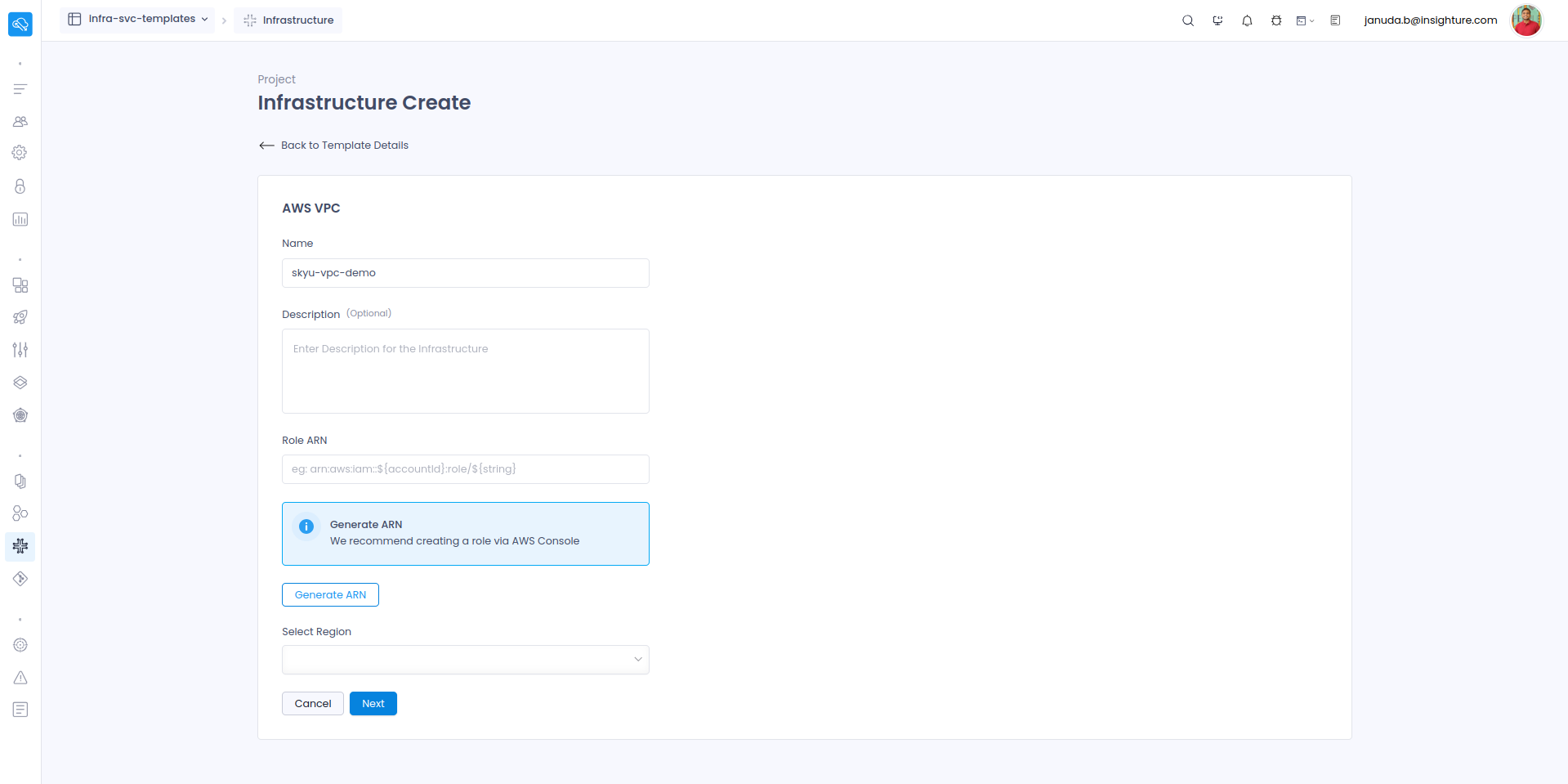
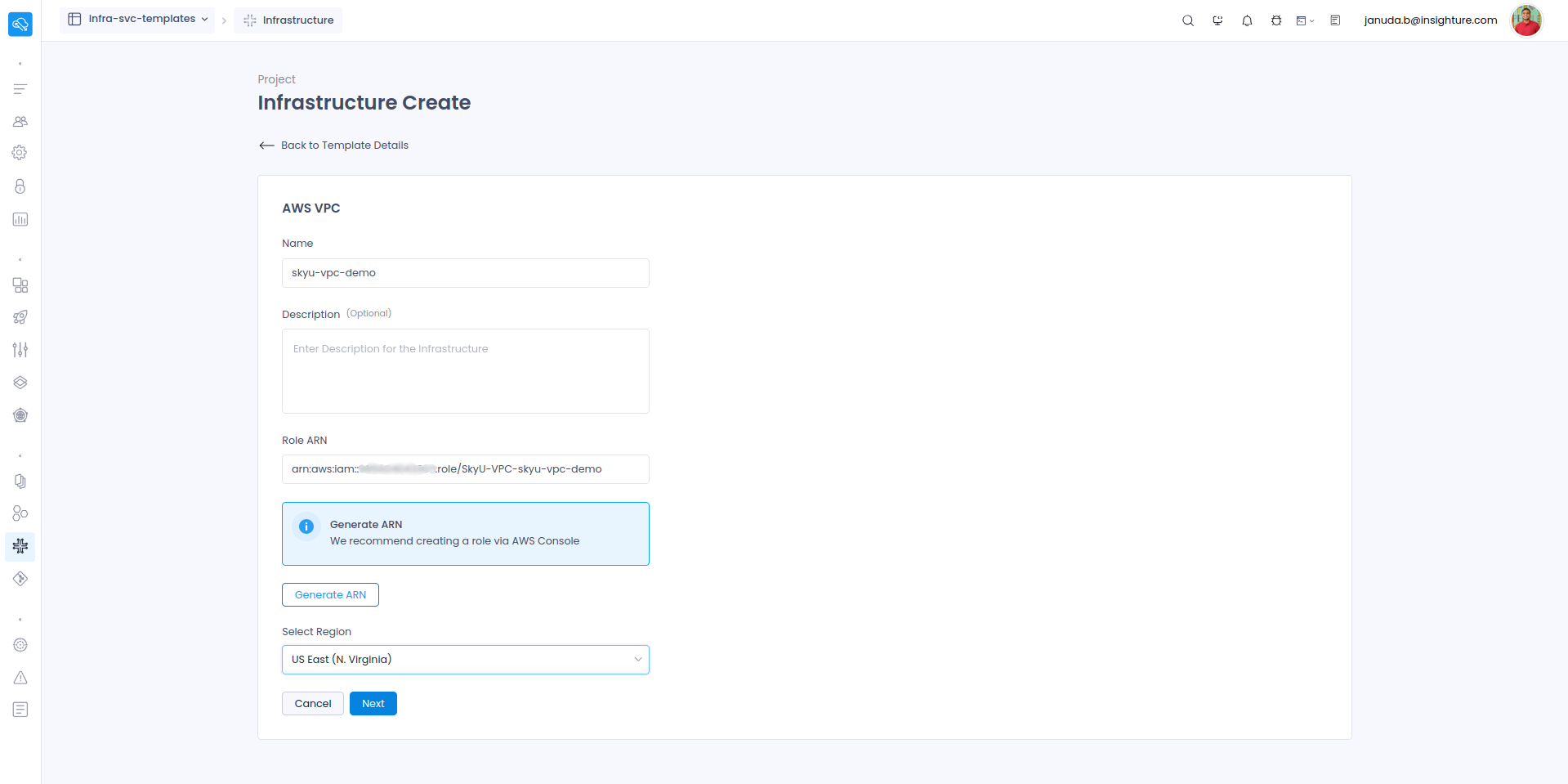
Provide details for: Name, Description and Region.
-
Click
Generate ARNto create the role on AWS. You’ll be redirected to the AWS console. Fill in the required fields and clickCreate Stack.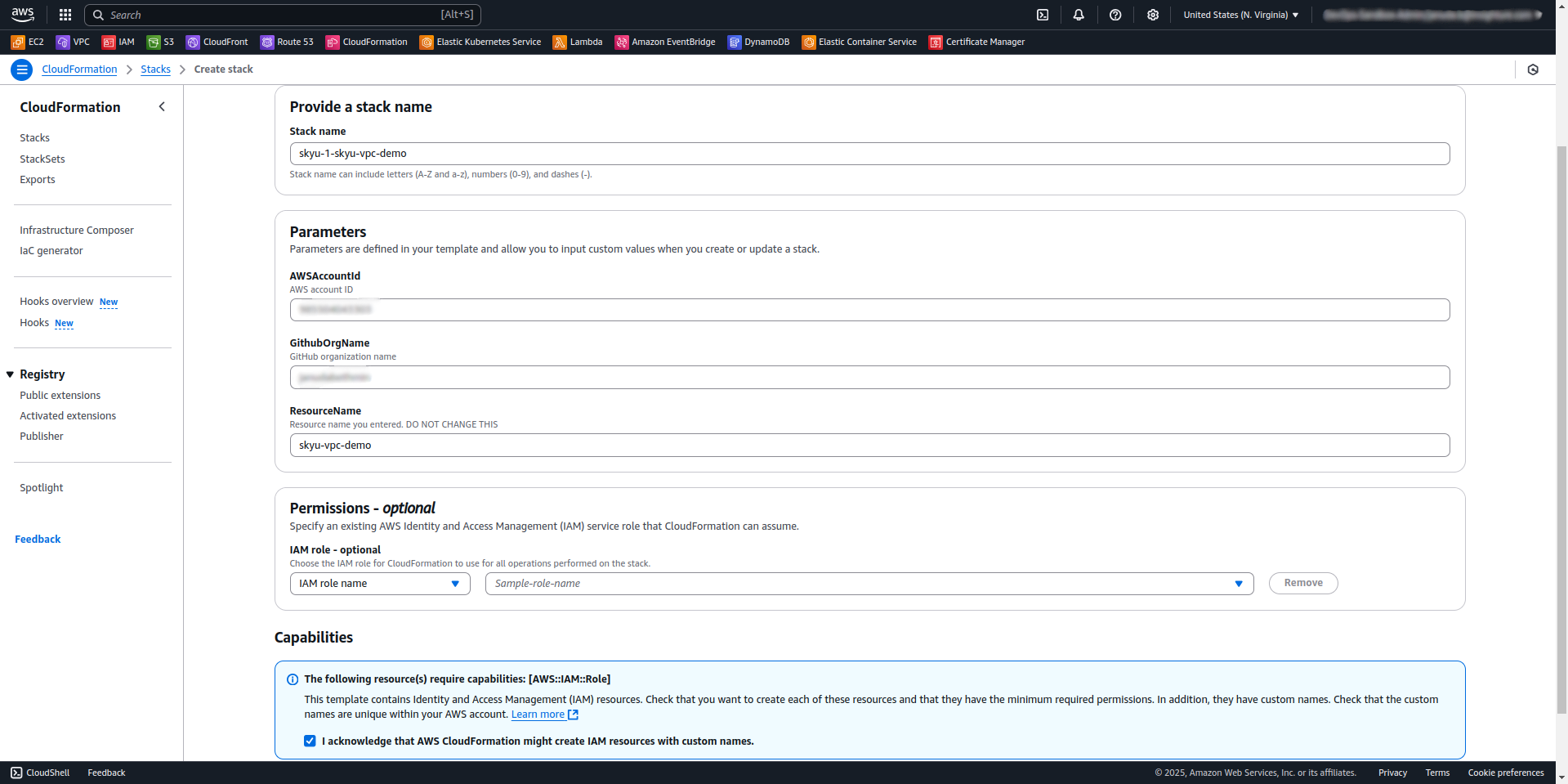
Ensure you are logged into the AWS Management Console in the same browser as the SkyU console before clicking Generate ARN.
-
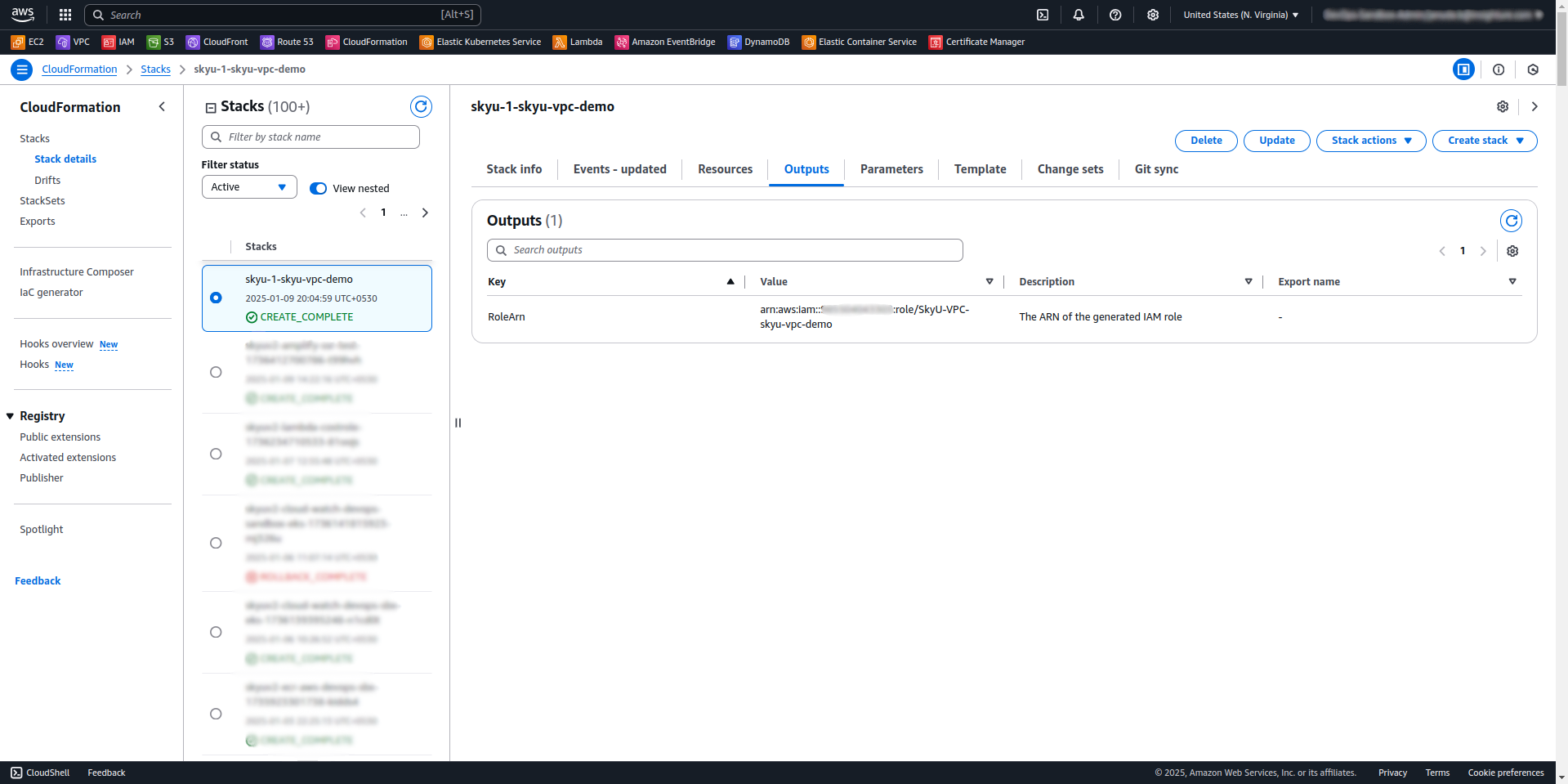
Copy the generated Role ARN from the outputs section of the CloudFormation stack.
-
Paste it into the Role ARN field in SkyU.
-
Click
Nextto proceed.
Configure Template Parameters
-
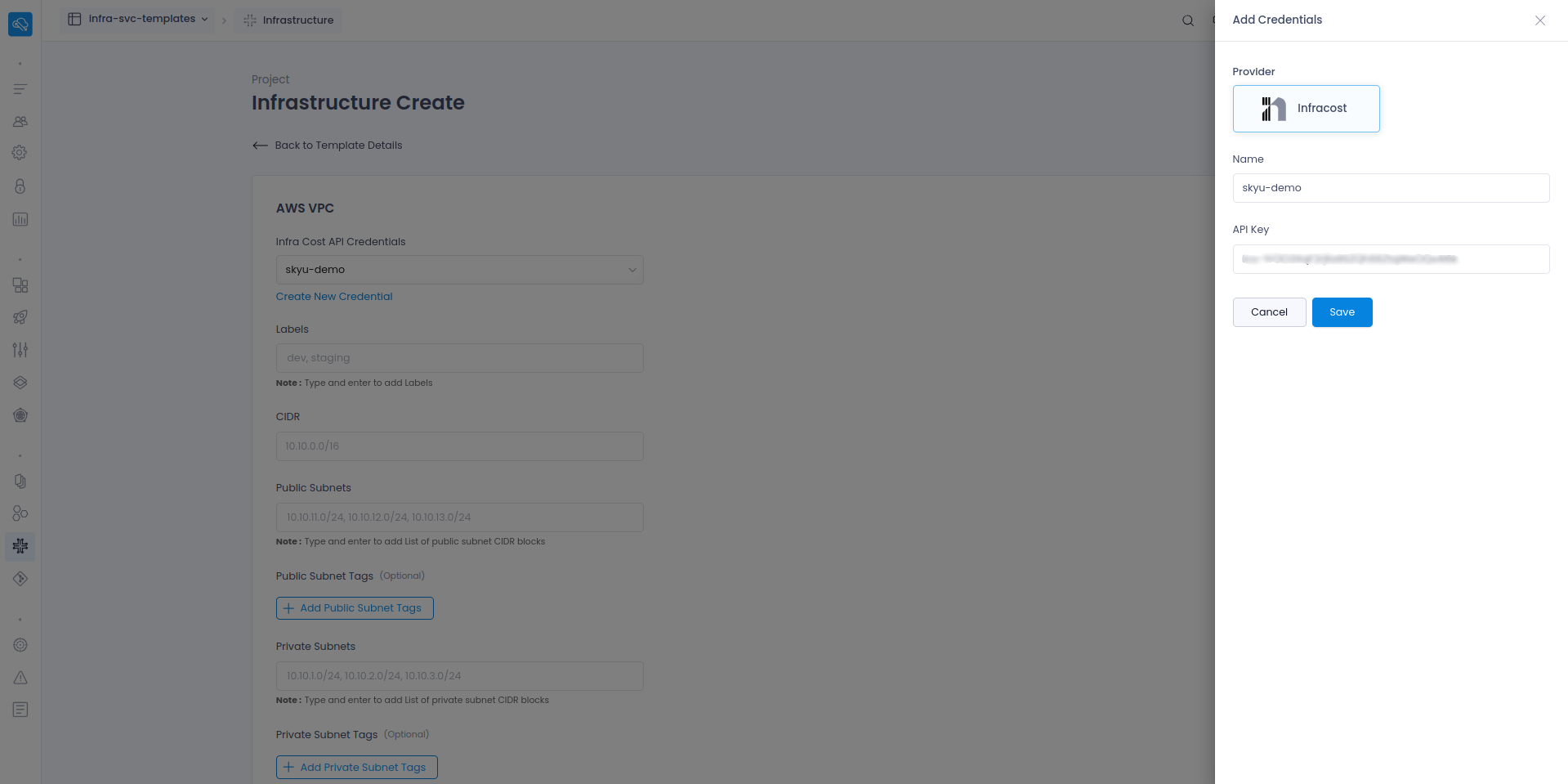
If you haven’t created an Infra Cost API Credential, do so now. Otherwise, use an existing credential.
-
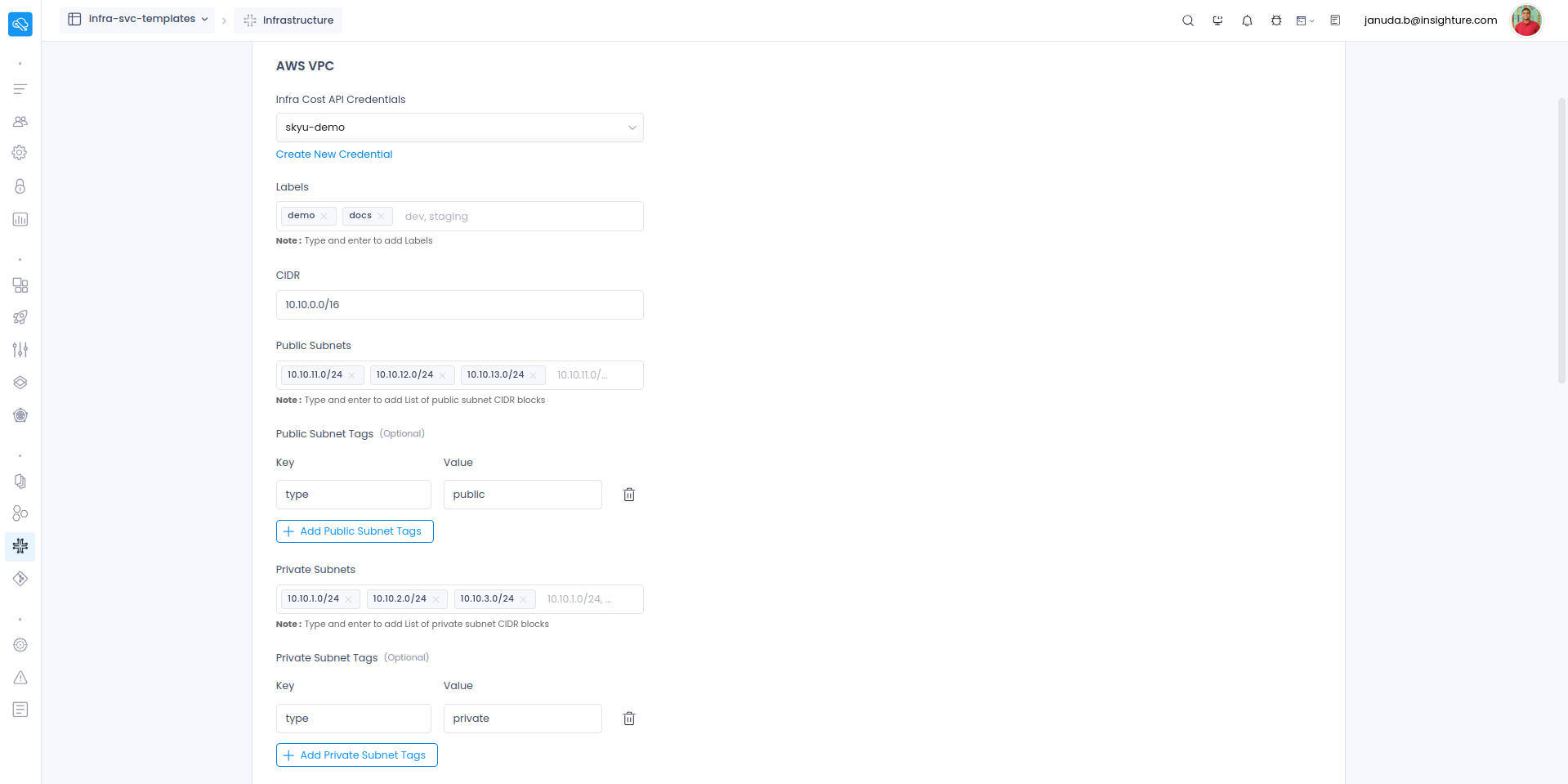
Fill in the required template parameters to define your VPC configuration.
-
Click
Request Reviewto proceed.
Review and Approve the Plan
-
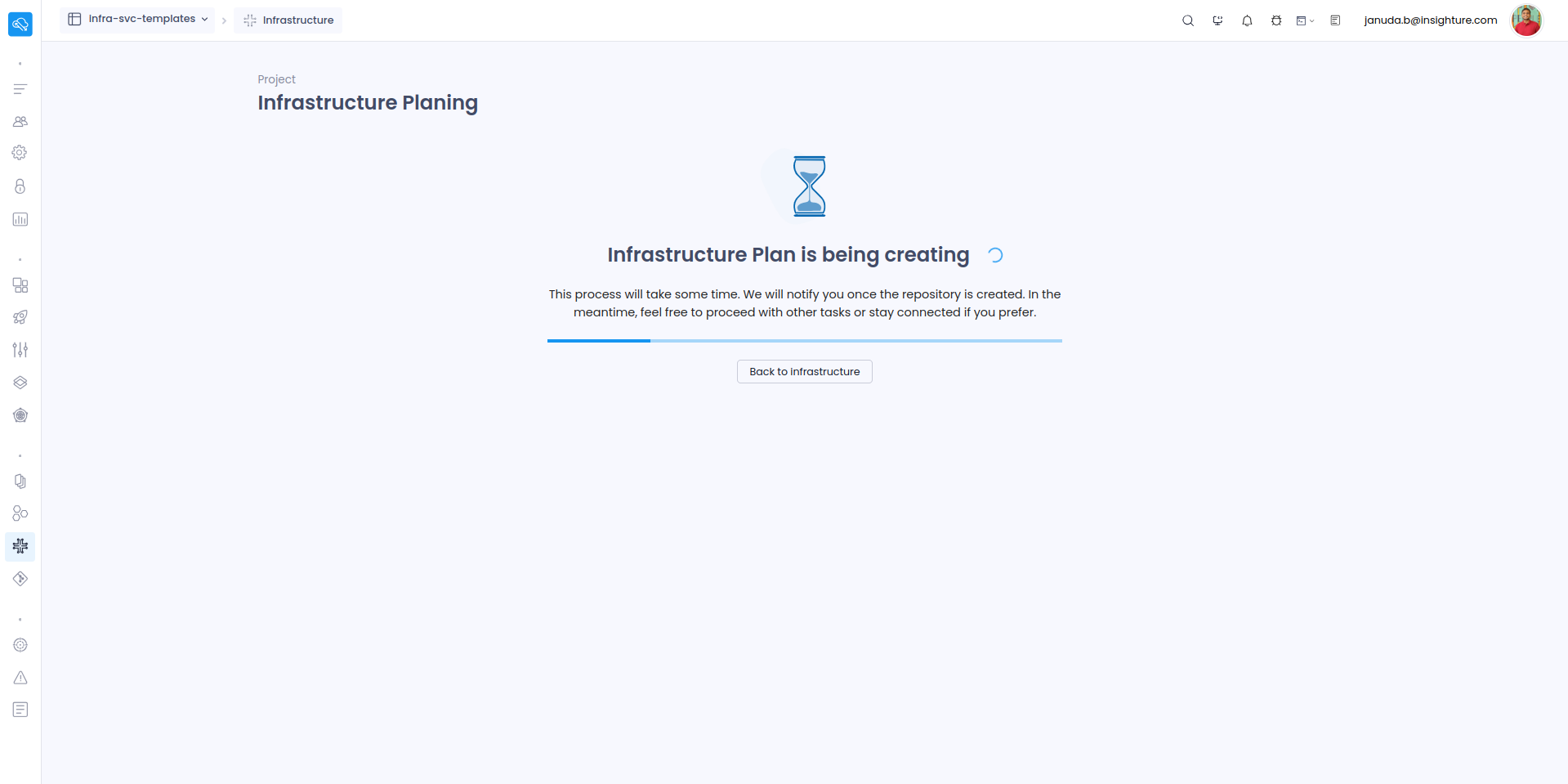
Wait for the infrastructure planning process to complete.
The planning process may take some time. Please be patient.
-
Review the plan and its associated graph. To make changes, click
Edit, update the parameters, and regenerate the plan. -
Once satisfied, click
Approveto launch the infrastructure.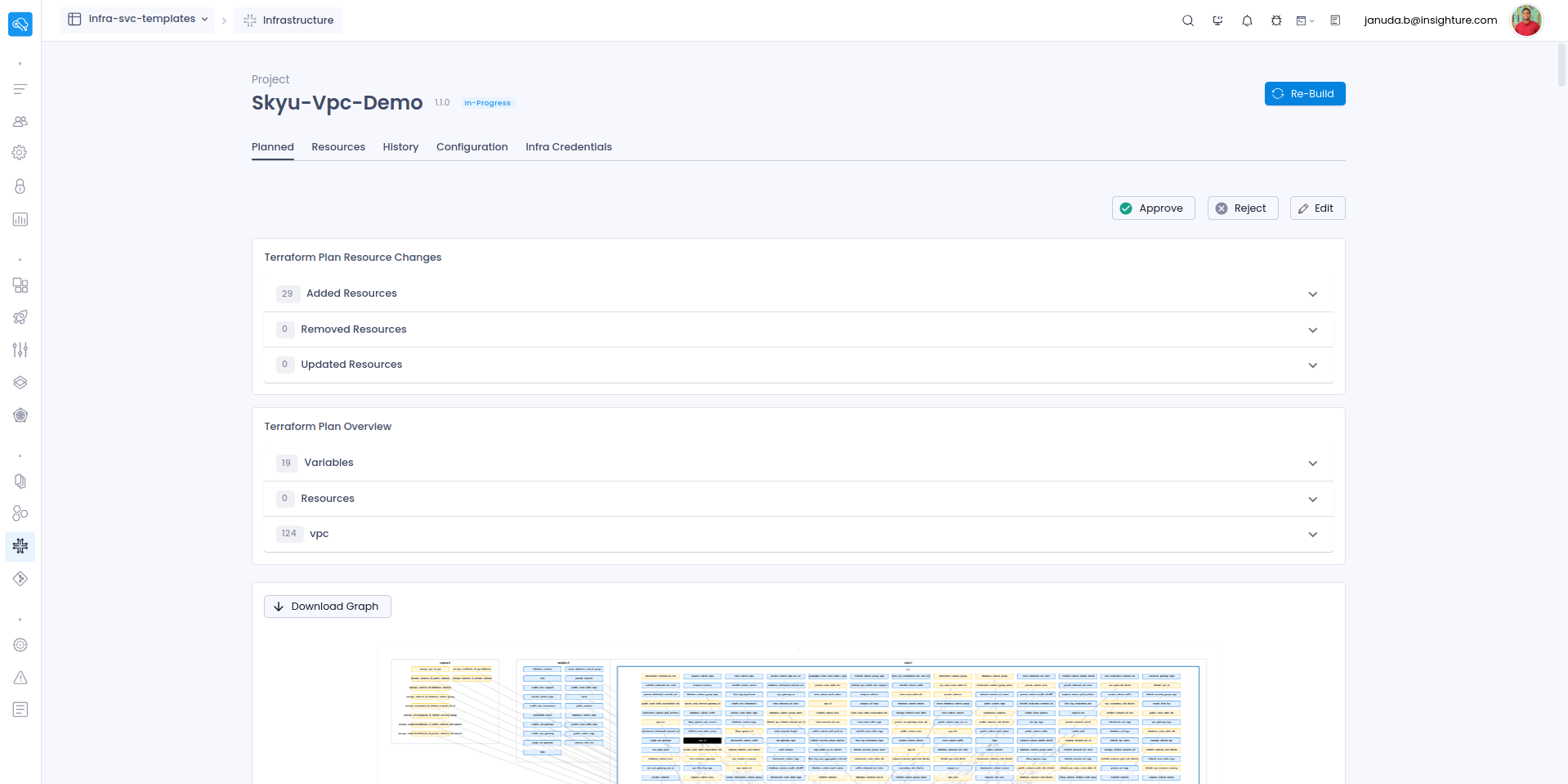
-
Add a description if needed and click
Mergeto finalize.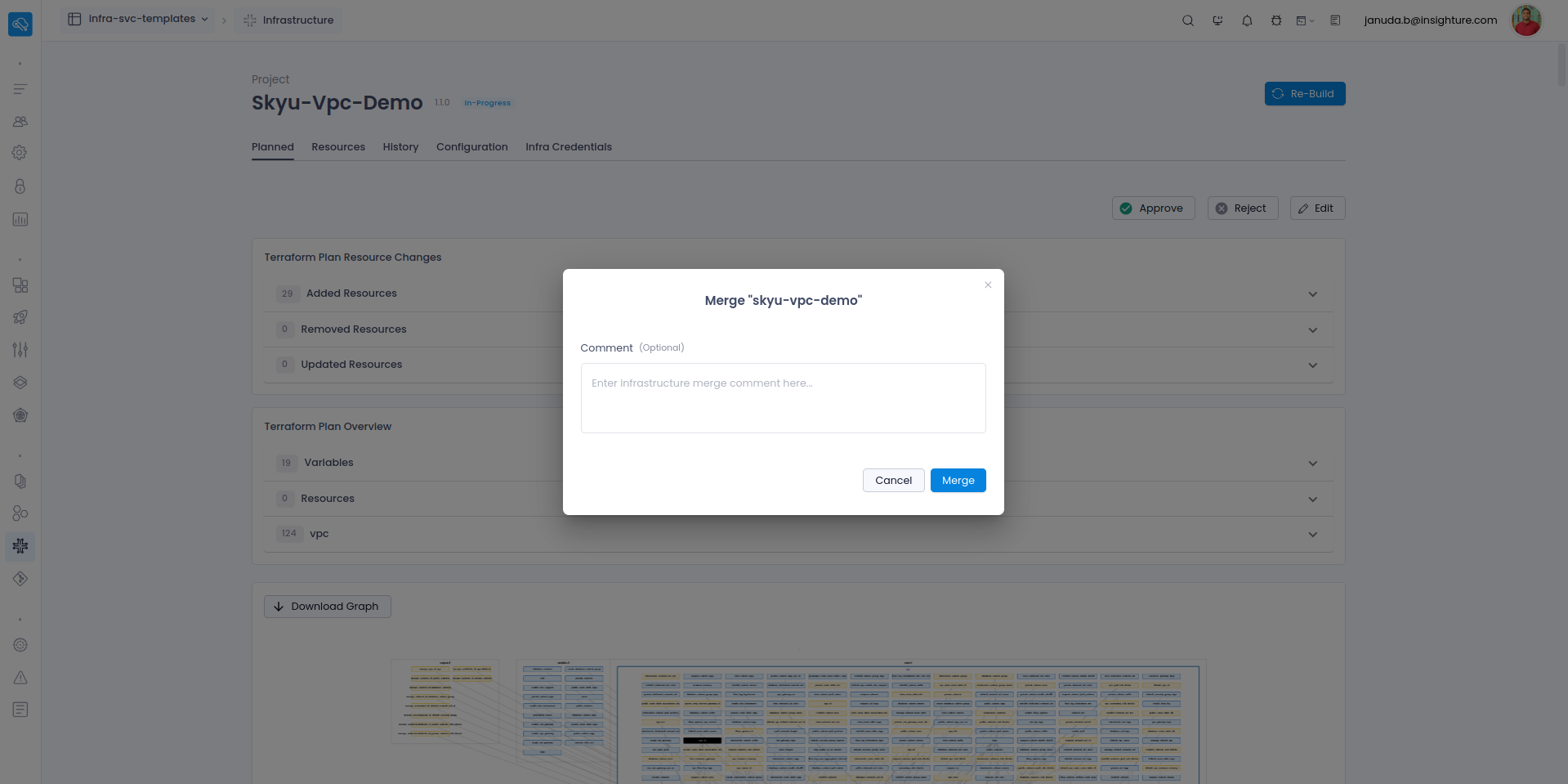
Launch the Infrastructure
-
The infrastructure creation process will begin.
This process may take some time. Please be patient.
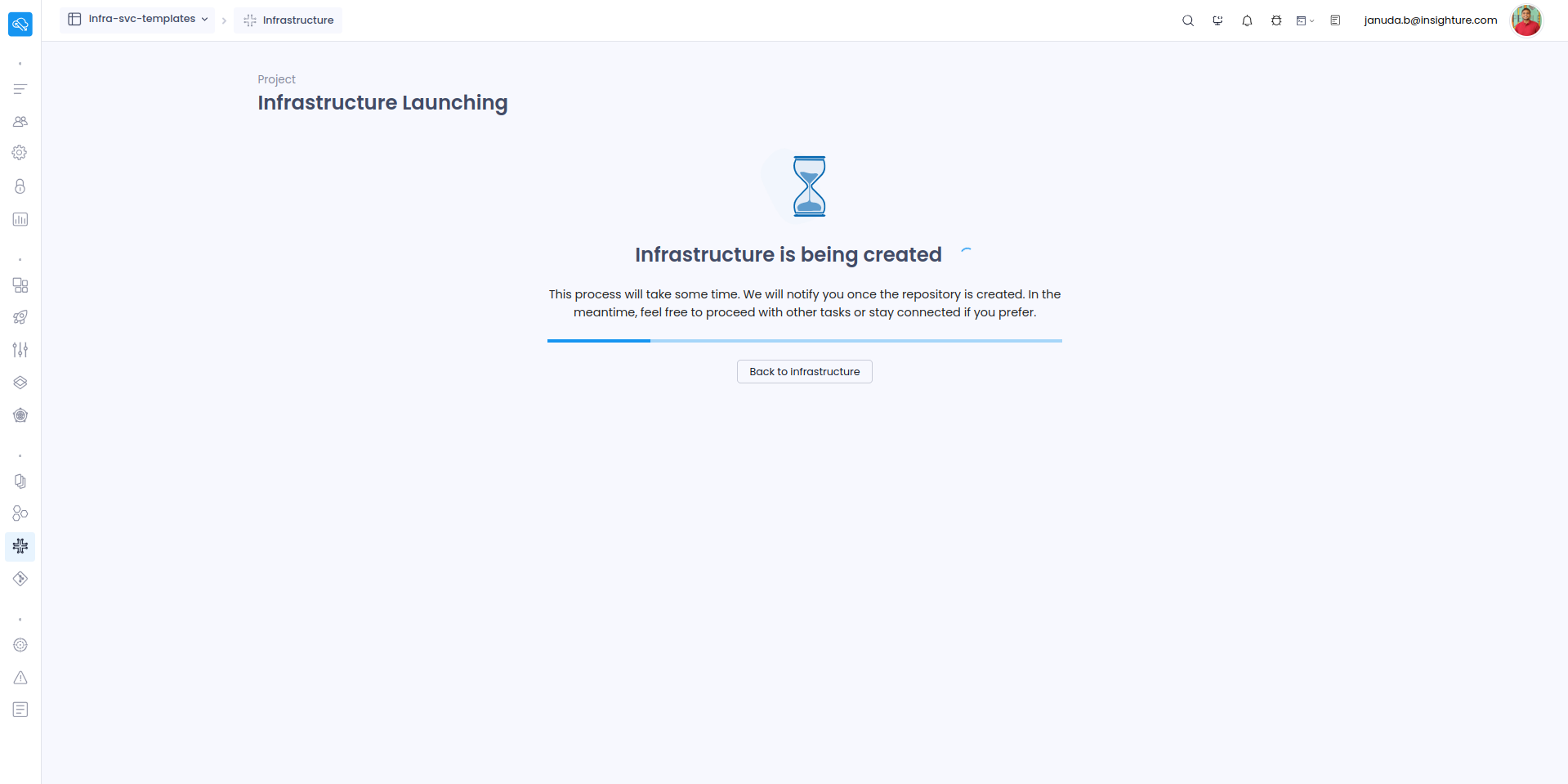
-
Once the status shows Success, your VPC has been successfully created.
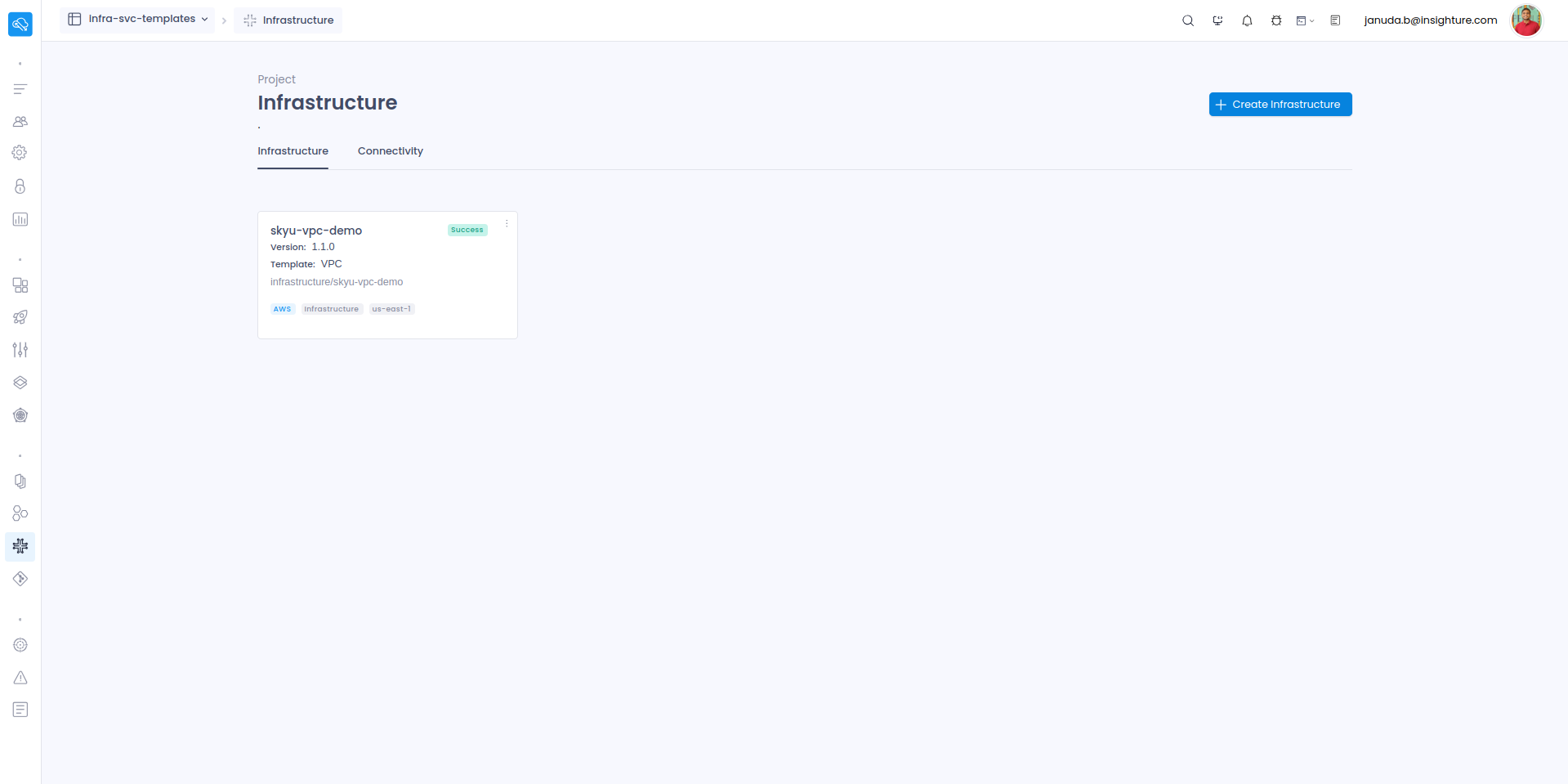
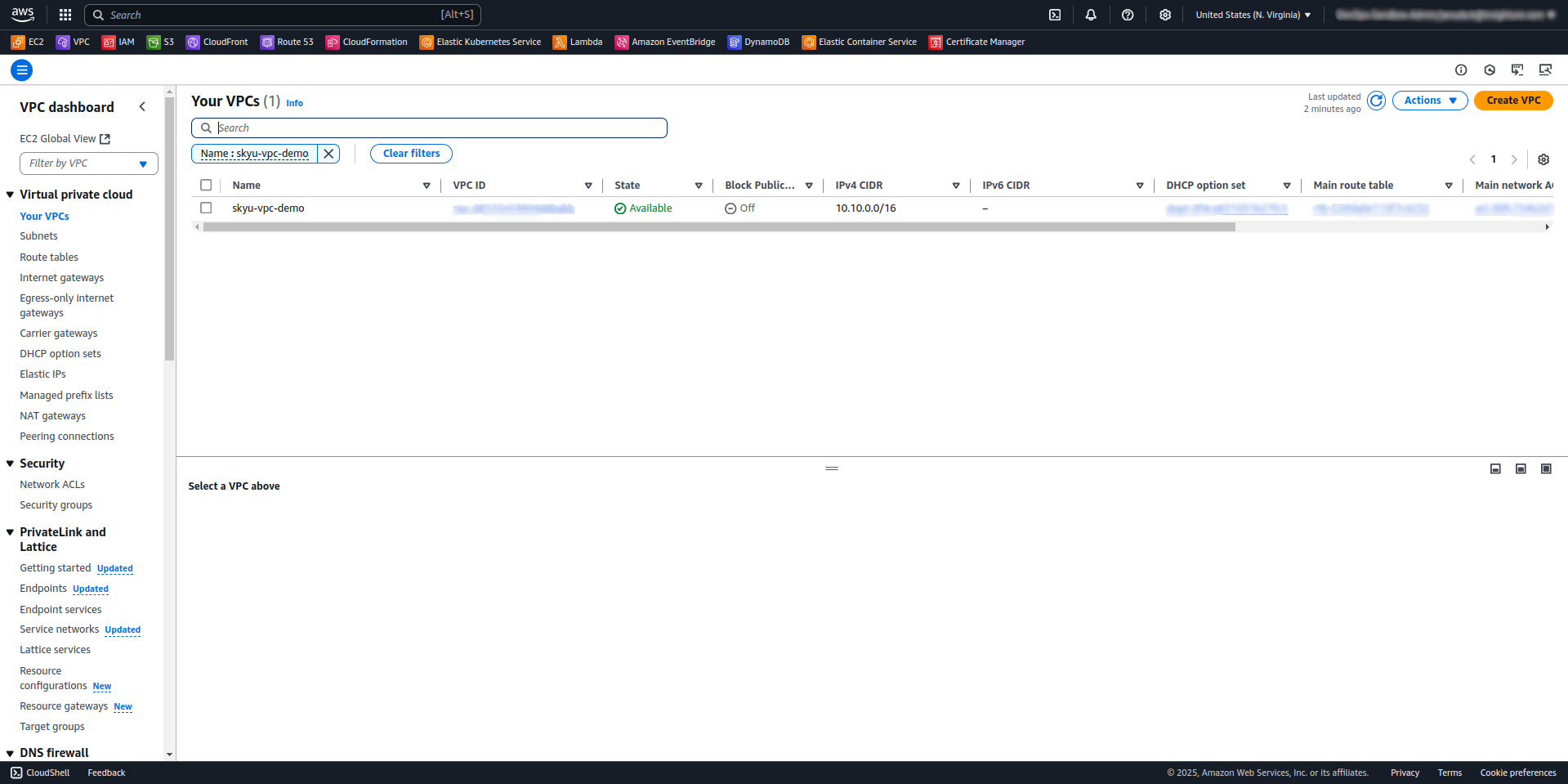
Verify the Infrastructure
-
Log in to the AWS Management Console.
-
Confirm that the VPC has been created successfully.
Troubleshooting and Relaunching
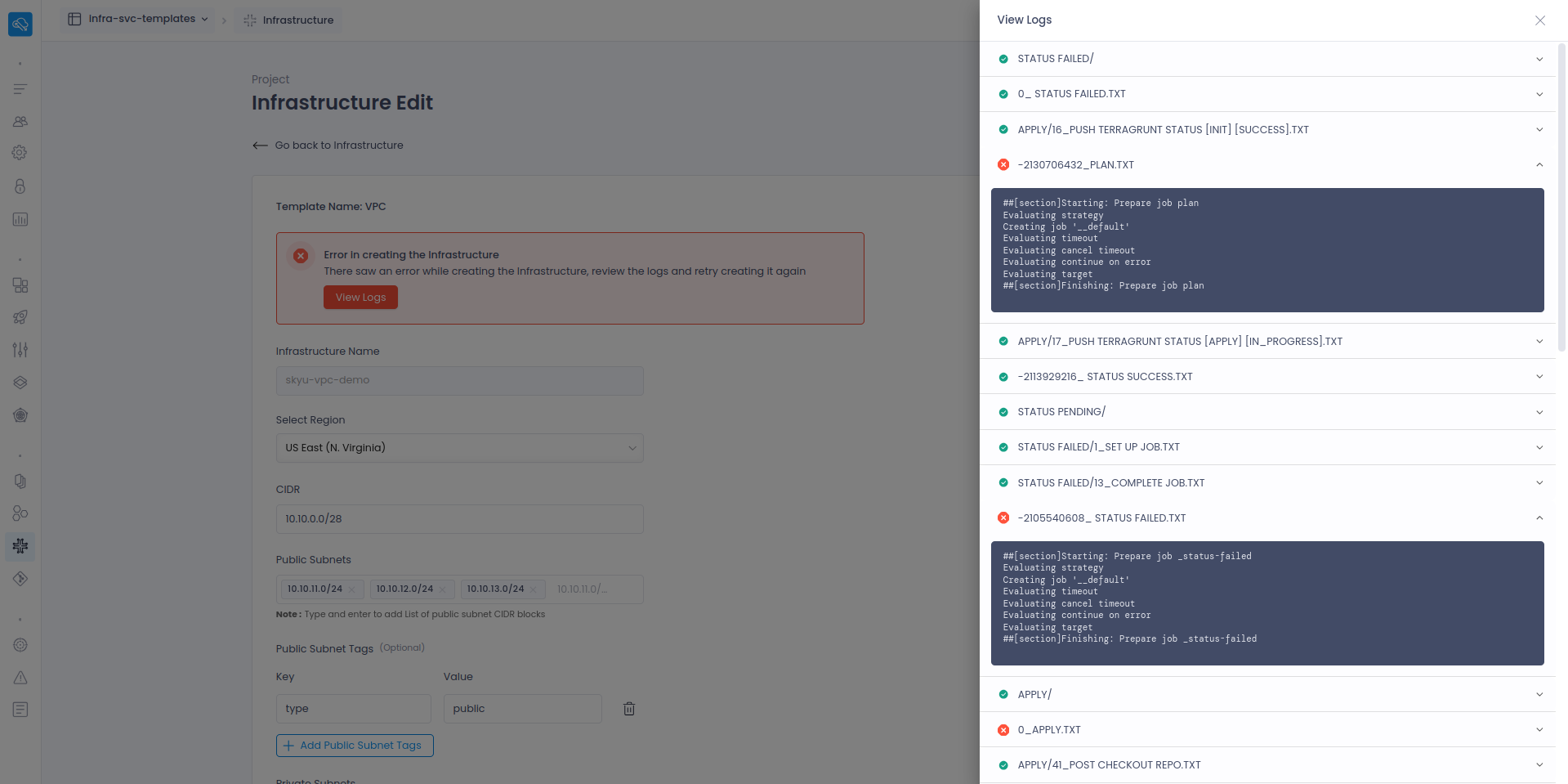
If the infrastructure creation fails, view the logs to identify the issue. Correct any errors in the input values, then relaunch the infrastructure.